
How to Redeem Once Human Codes
Every menu path that actually accepts a code — plus the chat shouts that skip the redeem box entirely.
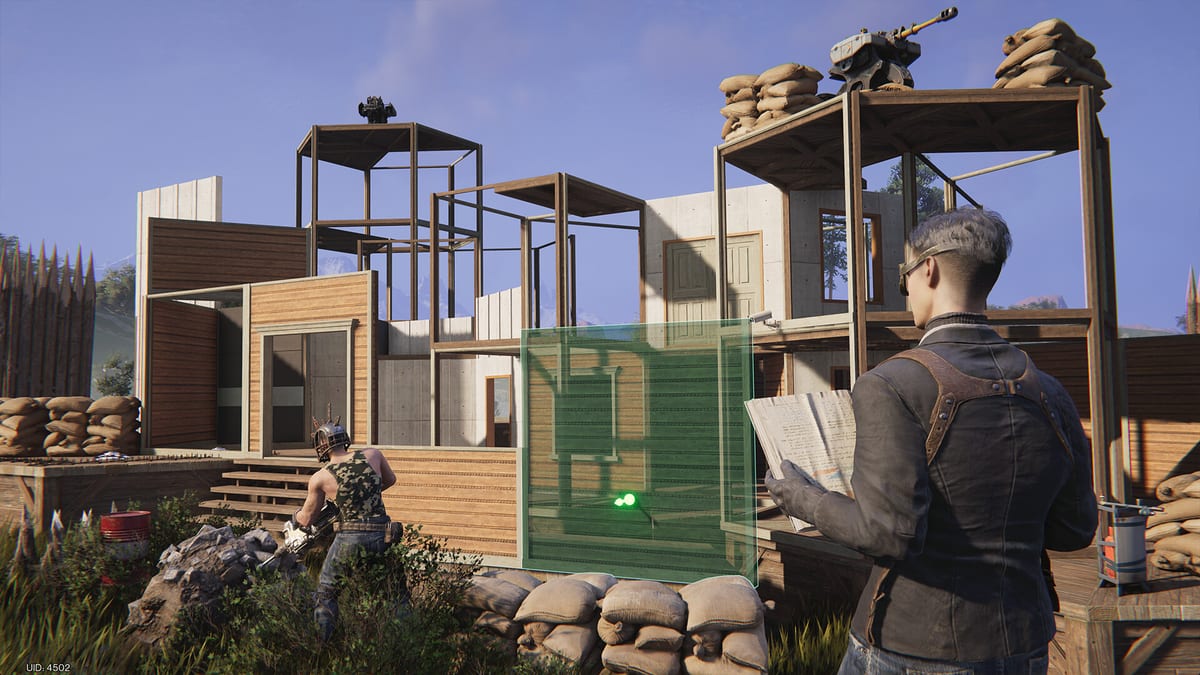
Redeeming a code in Once Human is a two-minute job once you know which menu your client hides it in. PC, mobile, and the August 2026 console builds do not share an identical button label, and a second class of rewards must be typed in world chat instead of the redeem field. Follow the path for your platform, then return to the live codes list and enter every unused string before the next patch retires it.
You do not need to finish the whole campaign. You do need a character that has left the first locked tutorial room, because Shop Events stay grey until the early Eve of Evolution crafts (workbench, ammo, a basic gun) are done. Settings → Account → Redeem Code is usually available earlier, which is why console and mobile players should try that path first.
PC (Steam, Epic, Microsoft Store)
- Load into your character, not the server-select lobby.
- Press Esc for the pause menu, or press F3 to jump straight into Shop Events once that tab is unlocked.
- If you used Esc, open Shop. In the lower-right corner, choose Redeem Code (some patches bind this to X on a controller).
- Alternate path that works during the tutorial: Settings → Account → Redeem Code.
- Paste one code, confirm, and wait for the mailbox toast. Do not mash several codes into one field.
- Open the mailbox, claim Starchrom and crates onto this character if you have alts.
Controller users on PC follow the same Shop path. If the Redeem Code button is missing, finish the ammo-craft step of the tutorial and reopen Shop.
Mobile (iOS and Android)
- Enter the world with the character that should receive the loot.
- Tap the three-dot or hamburger control in the top-right.
- Open Settings and scroll to Redeem Code at the bottom of the list.
- Type the code exactly, confirm, and check mail.
Mobile keyboards love to insert a trailing space or autocorrect CONSOLEDEV. Long-press the field and paste from a notes app instead of retyping.
PlayStation 5 and Xbox Series
Console Once Human uses the same account redeem box as PC. After you sign in:
- Open the pause menu with Options (PS5) or Menu (Xbox).
- Move to Settings, then Account (sometimes labelled User Center).
- Select Redeem Code, enter the string, confirm.
- If Settings has no redeem row yet, open Shop from the pause menu and look for Redeem Code in the lower-right of that screen.
Cross-play and cross-progression went live with the 25 August 2026 console launch. A code claimed on a linked PC account will not grant a second payout on PS5. Pick the character you intend to main before you start punching codes. Platform exclusive pre-order packs (Black Gold Butterfly cradle, Midnight Rave skins) are not redeem codes — they attach to the store purchase and have their own claim flow described in the console guide.
World-chat shout codes
Anniversary and some livestream rewards skip the redeem UI. You must type the full phrase in world chat:
- Open chat and switch the channel to World, not hive, squad, or private.
- Type the phrase exactly, including spaces (
HAPPYANNIVERSARYversusOH2NDANNIVERSARY). - Send once. The mailbox should ping within a few seconds.
If the server is flooded, wait and try again. Do not paste a redeem-box code such as CONSOLEDEV into chat — it will just look like spam.
Friend codes, Discord Quests, and Twitch Drops
These are not the same system as public promo codes:
- Friend / recruiter codes (the long
yq…strings) grant a new-player gear bundle and an XP bump. They belong in the in-game friend or invite field, not Redeem Code. - Discord Quest codes are copied from Discord’s Quest panel, then pasted into Once Human’s Redeem Code box. The codes hub does not list personal Quest tokens because they are unique per Discord user.
- Twitch Drops require linking at the official Once Human Twitch page, watching an eligible stream, and claiming from the Twitch inventory. Nothing is typed in-game.
After a successful redeem
Spend Starchrom with a plan. The Wish Machine guide covers monthly caps and why you should star one gun family from the weapon tier list. New Metas should also finish the getting started checklist so the extra Healing Syringes and Secret Crates are not sitting in a character you will abandon after switching scenarios.
If mail is empty after a “success” toast, relog. Seasonal mailboxes sometimes delay crate grants until the next loading screen.
Frequently Asked Questions
Quick answers to the most common Once Human questions.
Can I redeem codes before finishing the tutorial?
Settings → Account → Redeem Code is usually open early. Shop Events (F3) waits until you have crafted the first gun and ammo.
Do I redeem per character or per account?
Public promo codes are per account. Claim mail on the character you will play; alts will not get a second CONSOLEDEV.
Where do chat codes go?
World chat only. Hive and private channels do not trigger the mailbox grant.
The button is missing on controller. What now?
Finish the early crafting tutorial, reopen Shop, and look at the lower-right. Console players can also use Settings → Account.